उत्पादकताFeb 20265 min read

वॉइस इनपुट से अपनी वाइब कोडिंग तेज करें

कमेंट, कमिट मैसेज और वेरिएबल नाम डिक्टेट करना अजीब लगता है – जब तक आप इसे आज़माते नहीं।

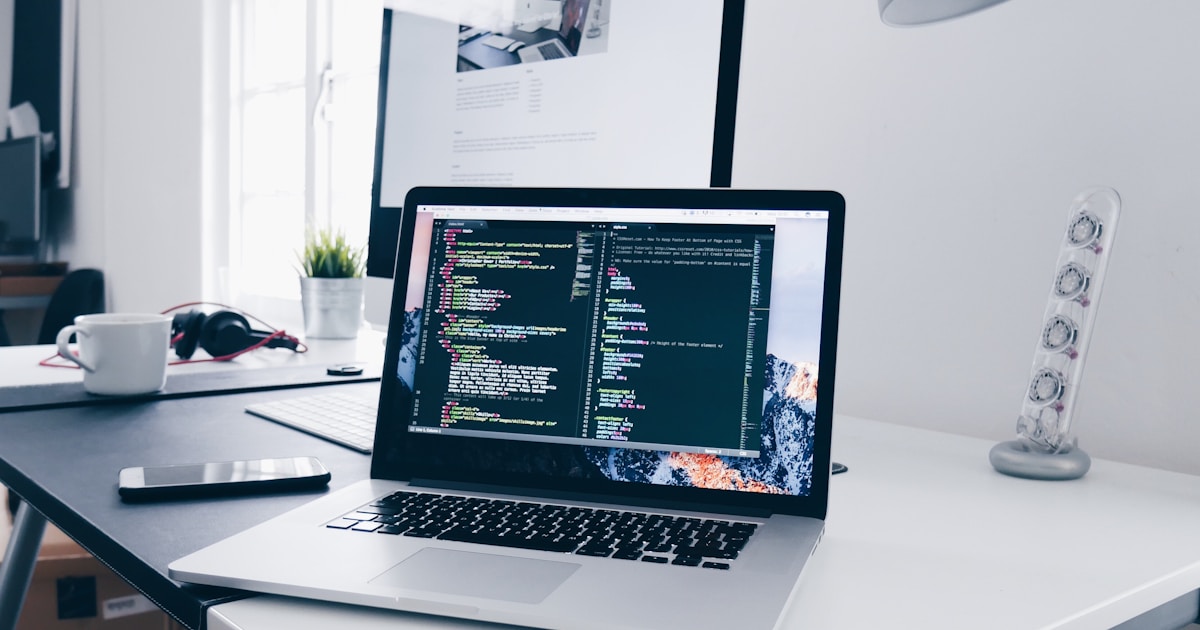
Developer coding with voice input

There's a concept that's been spreading quietly through developer communities over the past year: vibe coding. The idea is simple – instead of carefully crafting every line of code by hand, you work at the speed of your ideas. You describe what you want, and AI handles the boilerplate. You stay in flow state longer. You ship faster.

But here's the problem nobody talks about: even in a vibe coding workflow, you still spend a surprising amount of time typing things that aren't code. Comments. Commit messages. PR descriptions. Slack updates to your team. Emails to clients. Jira tickets. README sections.

This is where voice input changes everything.

The cognitive cost of context-switching to type

When you're deep in a coding session, your brain is holding an enormous amount of state. The architecture you're working within. The edge cases you're navigating. The approach you chose and why. The next three steps you're planning.

Every time you have to write a commit message or a comment, you're forced to translate that in-your-head clarity into precise typed words. It's slow. And the typing itself – the mechanical act – interrupts the thinking.

Speaking is thinking out loud. Typing is transcribing your thoughts. The difference in speed isn't just mechanical – it's cognitive.

Voice input lets you stay in the thinking mode while outputting the words. You're not transcribing – you're just talking.

Where voice input fits into a coding workflow

1. Commit messages

Most commit messages are terrible because writing them feels like an interruption. With voice: hold hotkey, say "fix race condition in audio recorder when recording is cancelled mid-session", release. Done in two seconds. You just wrote a better commit message than 90% of devs.

2. Code comments and docstrings

Explaining your reasoning in comments is one of the highest-value things you can do for future-you (and your team). With voice input, you can describe your logic as you write it, in plain English, at speaking speed. No more "I'll add comments later" (we both know later never comes).

3. PR descriptions and reviews

PR descriptions are notoriously bad because nobody wants to type a wall of text after finishing a feature. Voice-dictated PR descriptions are faster to write and often better quality – because speaking comes naturally where formal writing feels like a chore.

4. Bug reports and tickets

Reproducing a bug is already painful. Writing up the ticket is double the pain. Dictate it. "Steps to reproduce: open settings, switch to small model, close app, reopen, model shows as medium." You just saved three minutes and made life easier for everyone.

5. AI prompts

Here's the one people overlook: the prompts you type into Cursor, Claude, ChatGPT, or your AI tool of choice. Longer, more descriptive prompts get dramatically better results from AI. But typing them is slow, so most developers write short prompts that get mediocre output.

With voice? Hold hotkey, describe your full context, release. A 30-second voice prompt beats a 5-second typed prompt on output quality every time.

How Talkpad makes this seamless

The reason most developers don't use voice input is friction. You have to open an app, switch modes, wait for a cloud service, switch back. That's worse than just typing.

Talkpad eliminates the friction entirely:

  • Global hotkey – works in any app, including your code editor, terminal, browser, Slack, Linear, Notion.
  • Fast – cloud-powered AI transcription with ~200ms latency. You get the accuracy of AI without any noticeable wait.
  • Text injection – your dictation appears wherever your cursor is. No copy-paste.
  • No mode-switching – it's always on, always ready. Zero setup per session.

Getting started

Talkpad is a free download for macOS. The free plan gives you 2,500 words per week on desktop. If you need unlimited, Pro is $8/month.

Try it for one morning. Use it for commit messages, PR descriptions, and AI prompts. See if you ever go back.

Share

Talkpad मुफ़्त में आज़माएँ।

मुफ़्त योजना उपलब्ध। कोई प्रतिबद्धता नहीं। बस तेज़ टाइपिंग।

macOS · Windows · 99 भाषाएं · मुफ्त प्लान

