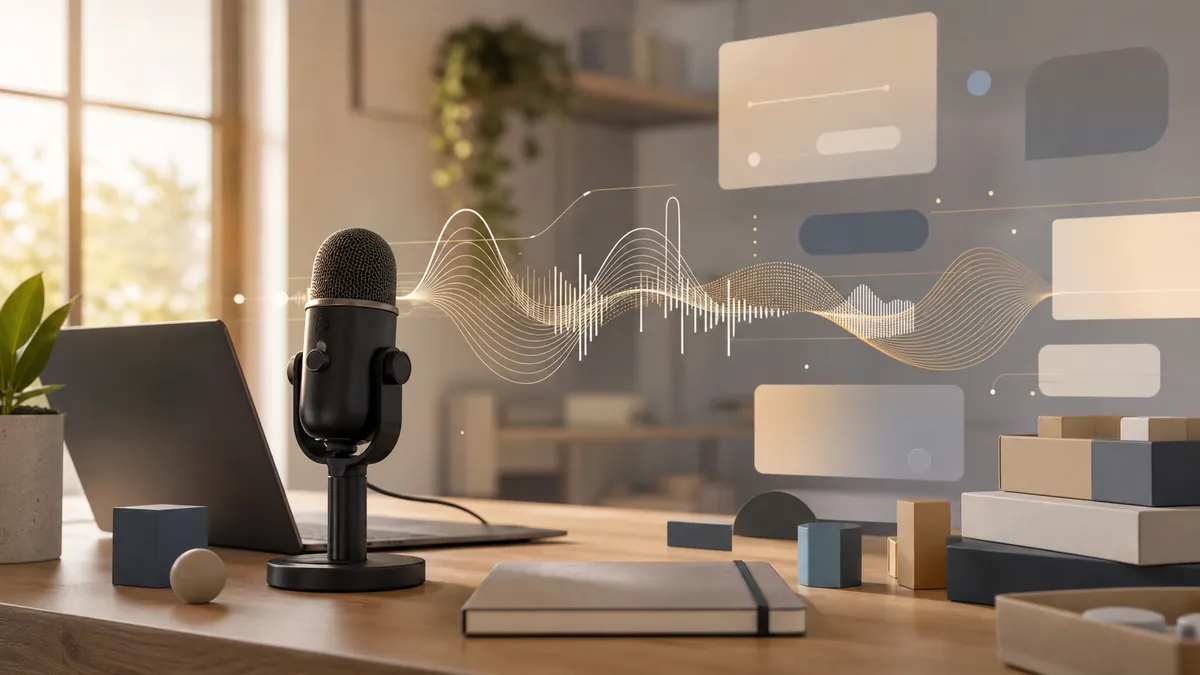
डेवलपर सिर्फ कोड नहीं लिखते। एक सामान्य दिन में issue descriptions, pull request reviews, design notes, incident updates, Slack explanations, API docs, commit messages, standup summaries और AI coding tools के लिए लंबे prompts शामिल होते हैं। Keyboard अभी भी ज़रूरी है, लेकिन developer writing का बड़ा हिस्सा code के बारे में prose है, code खुद नहीं।
इसीलिए 2026 में software teams के लिए voice dictation महत्वपूर्ण हो रही है। सामान्य speech-to-text tools की comparisons बहुत हैं, लेकिन engineering work की ज़रूरतें अलग हैं। Developer को सिर्फ accurate text नहीं चाहिए। उन्हें technical vocabulary, structure, system-wide input और focus-friendly workflow चाहिए।
Developers जितना सोचते हैं उससे ज़्यादा लिखते हैं
Software teams written context पर चलती हैं। Bug report बताता है कि क्या हुआ, expected behavior क्या था, actual behavior क्या है और reproduce कैसे करें। Pull request change का कारण और tradeoffs बताती है। Design doc implementation से पहले architecture पर चर्चा कराता है।
यह optional नहीं है। जो teams लिखने से बचती हैं, वे बाद में repeated questions, vague tickets और hidden decisions की कीमत चुकाती हैं। Voice dictation spoken clarity को जल्दी editable draft में बदल देती है।
Engineering workflow में voice कहाँ मदद करती है
Issues और bug reports
Environment, reproduction steps, expected behavior, actual behavior, logs और suspected cause को क्रम से बोलें। Details ताज़ा रहते हुए capture हो जाती हैं।
Pull request reviews
अच्छा review clear, kind और specific होता है। Voice से “nit” की जगह पूरा useful comment लिखना आसान है।
Design notes
Architecture को loud explain करने पर कमजोर हिस्से दिखते हैं। Notion, Google Docs या GitHub Discussions में rough note dictate करें और बाद में edit करें।
AI coding prompts
अच्छे prompts में goal, constraints, files, edge cases और verification शामिल होते हैं। Voice इतनी context जल्दी देने का अच्छा तरीका है।
सबसे पहले code dictate मत करें
Voice को हर keystroke का replacement मानना practical नहीं है। Source code, terminal commands और exact edits keyboard से करें। Explanations, plans, comments, test descriptions, prompts, reviews और status updates के लिए voice इस्तेमाल करें।
Developer dictation tool में क्या देखें
System-wide input. Cursor, VS Code, GitHub, Linear, Slack, Notion और AI chats में cursor के साथ काम करना चाहिए।
Fast push-to-talk. Hotkey दबाएँ, बोलें, छोड़ें और cleaned text वहीं दिखे।
Technical vocabulary. Kubernetes, Postgres, OAuth, TypeScript, WebSocket और product names ठीक से संभालने चाहिए।
AI cleanup. Fillers और repeats हटें, लेकिन meaning, lists, numbers और technical terms बचें।
एक सप्ताह की practical setup
तीन use cases से शुरू करें: bug reports को tracker में dictate करें, एक sentence से लंबे PR comments dictate करें, और AI coding tools के लिए detailed prompts बोलकर बनाएँ।
Talkpad macOS और Windows के लिए system-wide voice keyboard है। Linear, GitHub, Slack, Cursor या AI chat में cursor रखें, hotkey hold करें, naturally बोलें, और cleaned text वहीं आ जाता है। Free plan में 2,500 words/week हैं, और Pro $8/month या annual पर $6/month है।
Examples
Bug report के लिए environment, steps, expected result, actual result और hypothesis बोलें। PR review के लिए concern और alternative explain करें। AI assistant से कहें कि पहले files inspect करे, फिर smallest safe fix और test plan दे।
निष्कर्ष
Developers के लिए सबसे अच्छा dictation tool coding को replace नहीं करता। वह coding के आसपास communication को आसान बनाता है: clearer tickets, richer PR reviews, better docs, sharper AI prompts और faster updates।
Talkpad मुफ्त डाउनलोड करें – free plan में 2,500 words/week।
 macOS के लिए डाउनलोड
 Windows के लिए डाउनलोड
 iOS के लिए डाउनलोड
 Android के लिए डाउनलोड