Stop Optimizing Typing Speed: Budget Your Keyboard Energy Instead
Typing faster is not always the best productivity upgrade. Learn how to save keyboard energy for precise work and use voice typing for the drafts that drain your hands and attention.
Jul 2026 · 8 min read
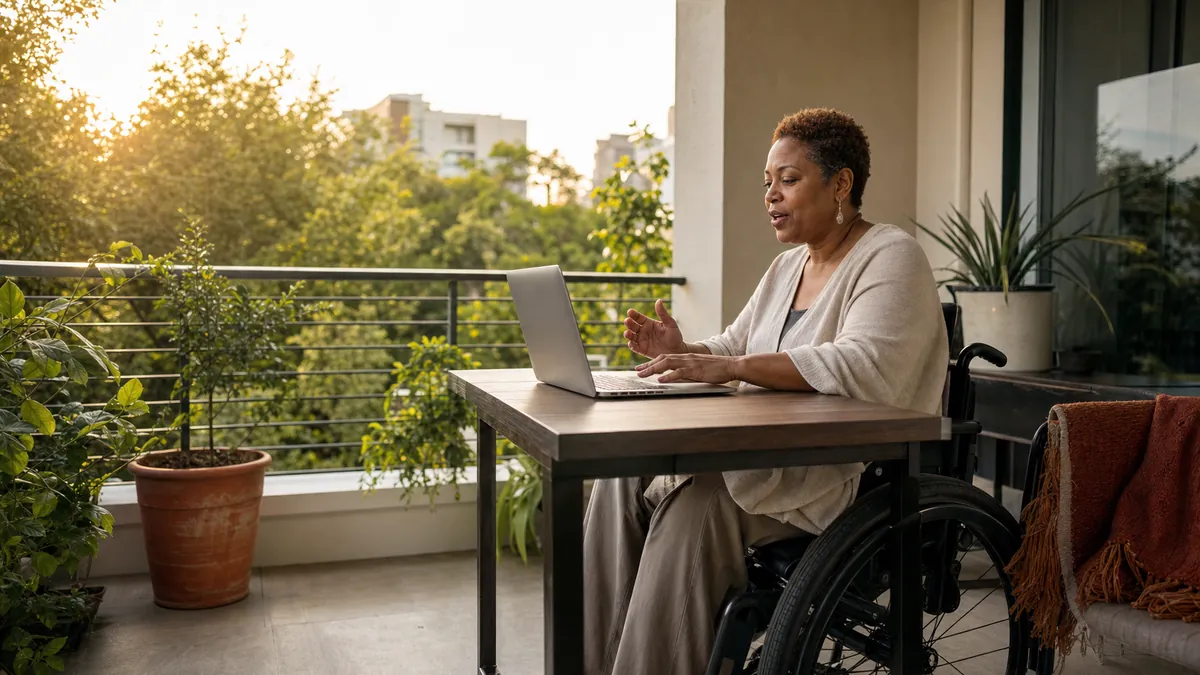
Typing speed is a bad productivity target for most office workers.
That claim sounds odd because keyboards are everywhere, typing tests produce neat scores, and faster input feels like obvious progress. But the speed of your best two-minute sprint says almost nothing about how your hands and attention feel at 4:30 p.m. The useful question is not "How fast can I type?" It is "Which work deserves my keyboard energy?"
Your keyboard is excellent at precision. It is less special at turning a thought you can already explain into a rough email, recap, brief, or prompt. Spend keystrokes on the first job. Use voice for more of the second. You may finish the day with less strain and more patience for the writing that actually needs careful fingers.
Key takeaways
- Typing speed measures short-term output, not the physical and mental cost of a full workday.
- Save the keyboard for exact names, figures, code, formatting, and final edits. Consider voice typing for context-heavy first drafts.
- OSHA warns that repetitive computer tasks and long static postures can lead to localized fatigue. Changing the task can matter as much as changing the keyboard.
- A simple keyboard energy audit can show which recurring tasks are worth dictating.
- Talkpad provides a push-to-talk voice keyboard for macOS and Windows, with 2,500 words/week on the free plan.
The typing-speed goal solves the wrong problem
A words-per-minute score answers a narrow question: how quickly can you reproduce text under test conditions? Most knowledge work is not transcription. You are deciding what to say, checking facts, switching tabs, softening a sentence, finding a file, and wondering whether "Friday" means this Friday or next Friday.
Even when typing is the slowest step, raising your peak speed may not improve the whole day. A runner does not plan every mile around sprint pace. An office worker should not plan every message around maximum keyboard output either.
This is where common productivity advice goes sideways. It treats each keystroke as free and every pause as inefficiency. In reality, hands get tired. Shoulders creep upward. Attention frays. The short reply at the end of a long day can feel harder than the detailed memo written in the morning.
The answer is not to stop typing. The answer is to stop spending the same input method on every kind of writing.
What ergonomics guidance actually says
The physical case for variety is less dramatic than online claims about "never typing again," and more useful. The OSHA computer workstation guidance says prolonged repetitive tasks may not give small muscles and tendons enough time to recover. It also notes that long static postures can fatigue the neck and shoulders.
OSHA recommends short rest pauses, neutral posture, and variation in work. Its keyboard guidance says keyboard selection and placement can reduce exposure to awkward posture, repetition, and contact stress. Those are sensible changes. They still leave a larger question untouched: does this sentence need to be keyed at all?
NIOSH has also cautioned against assuming that a different keyboard is a complete solution. Its guidance on alternative keyboards says evidence is not conclusive that such devices prevent discomfort or injury, and the whole work environment should be examined. A split keyboard may help your wrist position. It does not remove the 600 words you planned to type after lunch.
Voice typing is not medical treatment, and this article is not medical advice. Persistent pain, numbness, weakness, or tingling deserves professional attention. But as a work-design choice, dictating selected drafts can reduce the number of repeated finger movements in a day.
The keyboard energy audit
Instead of testing your top speed, audit one normal workday. List the writing tasks you repeat, then score each one by precision and explanation. The table below is a practical starting point.
| Task | Main demand | Default input | Reason |
|---|---|---|---|
| Explain a decision | Context and reasoning | Voice first | You can usually say the reasoning before you can polish it. |
| Enter names, dates, figures, or links | Exactness | Keyboard | One wrong character can change the result. |
| Draft a meeting recap | Fresh memory | Voice first | Speaking captures the context before it fades. |
| Edit final copy | Visual judgment | Keyboard | Cutting and rearranging are easier on the page. |
| Write a detailed AI prompt | Background and constraints | Voice, then edit | Speech makes room for context; typing cleans the request. |
Circle the tasks you do at least three times a day. Pick one voice-first candidate, not five. That is the experiment. If dictating it reduces effort without creating a large cleanup bill, keep it. If it does not, move it back to the keyboard.
Use voice for expansion and typing for compression
A useful division is expansion versus compression.
Expansion is getting the full thought out: what happened, why it matters, what the customer meant, what the bug does, or what an AI assistant needs to know. Speech is often good here because you can keep the context moving. Our guide to voice typing and cognitive load explains why separating idea capture from editing can feel easier.
Compression is turning the rough material into clean final text. You remove repetition, verify details, shorten sentences, add links, and choose the exact word. The keyboard is excellent here. It gives you visual control and quick access to precise edits.
This split avoids the two worst voice-typing habits. The first is trying to dictate polished final copy in one flawless take. The second is dumping a five-minute monologue onto the page and calling the transcript a draft. Speak a useful block, stop, and edit it while the context is fresh.
A voice budget is not a voice-only workflow
Voice can create its own fatigue. Long dictation sessions can dry your throat, tire your voice, and produce rambling text. Open offices may make speaking awkward or inappropriate. Private information should not be said where other people can hear it. Exact strings still need careful review.
That is why "replace your keyboard" is bad advice. The better aim is a mixed day. Dictate a 90-second meeting recap, then type the owners and dates. Speak the background for an AI prompt, then tighten the instruction. Dictate the first version of a difficult email, then edit the tone with your hands.
If speaking to a blank screen feels unnatural, read why dictation feels awkward at first. The habit usually improves when you work in short bursts and stop expecting conversation-ready fluency on day one.
Try the 3-2-1 energy experiment
For three workdays, choose two recurring drafts and dictate one of them.
- Three days: Keep the test long enough to get past the novelty, but short enough that a bad workflow does not take over your week.
- Two candidates: Pick context-heavy tasks such as a recap and a detailed email. Avoid passwords, code, formulas, legal citations, and private text in shared spaces.
- One metric: At the end of each day, rate hand and attention fatigue from 1 to 5. Do not measure words per minute.
Also note cleanup time. If voice saves your hands but creates ten minutes of repairs for every two-minute draft, adjust the task or speaking style. The dictation punctuation cheat sheet can help you add enough structure without narrating every comma.
Talkpad fits this experiment because it works as a push-to-talk voice keyboard in desktop apps on macOS and Windows. Put the cursor where the draft belongs, hold the hotkey, speak, release, then edit in place. The free plan includes 2,500 words/week, so the test does not require a subscription. Pro is $8/month or $6/month annually if voice becomes part of your daily work.
The honest caveats
Voice typing will not fix a bad desk, a packed calendar, missing breaks, or a job that expects constant output. It may not suit people who think best through their fingers. Some workplaces are too public. Some tasks are too sensitive. Some accents, names, and specialist terms still need more correction than ordinary prose.
Do not use dictation to work through pain so you can avoid addressing it. Do not treat a lower keystroke count as permission to skip breaks. And do not turn a useful option into a new productivity rule that makes you feel guilty when typing is simply better.
The point is choice. Typing is a limited daily resource because your hands and attention are limited daily resources. Spend both where precision matters. Let another input method carry some of the rough drafts.
FAQ
Can voice typing reduce typing fatigue?
It can reduce the number of keystrokes used for selected drafts, which may give your hands more variation during the day. It is not a treatment for pain or injury, and workstation setup, breaks, workload, and medical advice still matter.
Is dictation more productive than typing?
Dictation is often more productive for context-heavy first drafts. Typing is usually better for exact data, code, formatting, and detailed editing. A mixed workflow is more practical than choosing one method for everything.
What work should I dictate first?
Start with a recurring task you can explain naturally, such as a meeting recap, project update, detailed email, or AI prompt. Avoid sensitive content in public and review names, numbers, dates, and commitments.
How long should a voice typing session be?
Start with 20 to 90 seconds per block, then review. Short sessions reduce rambling and make errors easier to spot. Take normal breaks and stop if your voice feels strained.
Download Talkpad for free – 2,500 words/week on the free plan.
 Download for macOS
 Download for Windows